Getting Started
- Overview
- Survivor Pool Format
- Hosting a Pool
- Joining a Pool
- Verify Your Email Before Making Picks
- Make Your First Pick
- Use My Survivor Pool on Your Phone
- Where to Go Next
Overview
My Survivor Pool makes it easy to host and participate in NFL survivor pools, from inviting players and managing entries to making weekly picks and following the standings.
If you're new, start with the path that matches what you're trying to do: host a pool, join someone else's pool, or make your first pick.
Survivor Pool Format
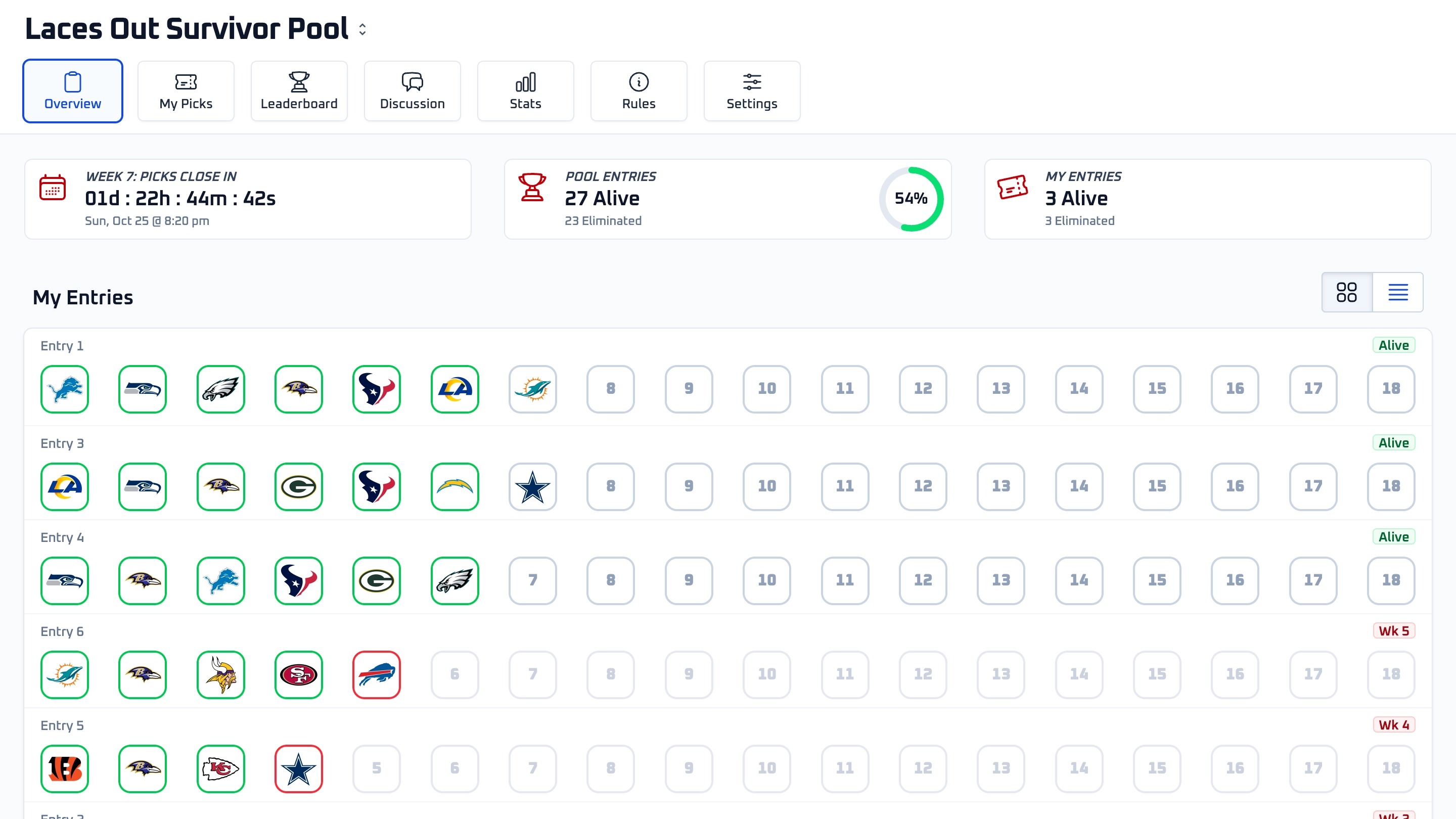
My Survivor Pool follows the traditional NFL survivor format. Each week, every entry chooses one NFL team they think will win their game. If that team wins, the entry survives to the next week. If the team loses — or if no pick is made — the entry is eliminated.
The twist: once you pick a team, you can’t use that same team again for the rest of the season. This adds strategy as the weeks go on, forcing you to balance strong picks early with saving teams for later matchups.
Pools can be set to single-elimination (one loss and you’re out) or allow multiple losses by enabling Automatic Mulligans. Ties are handled based on your pool’s settings — they can count as either a win or a loss.
The season continues until only one entry remains alive, or until the regular season ends and the remaining entries split the win.
Hosting a Pool
To create a pool, go to mysurvivorpool.com/start and follow the setup steps. You'll choose your pool name, entry limit, start week, and basic rules.
After your pool is created, you can share the Join Link, set an optional password, invite entrants by email, and manage pool settings from the host tools.
Hosts can fully manage their pool's entries and picks. That includes editing entries, adding notes, granting mulligans, removing entries, sending private messages, and setting or updating picks on behalf of entrants when needed.
For the full host walkthrough, see Hosting a Pool, Pool Settings, and Managing Entries.
Joining a Pool
Most entrants join by clicking a Join Link from the host. If the pool has an optional password, you'll be asked to enter it before joining.
If you don't already have an account, you'll create one during the join process. Once your account is ready and you've joined the pool, you can create your entry or entries based on the host's rules.
For more detail, see Joining a Pool.
Verify Your Email Before Making Picks
You need to verify your email address before making picks. After signing up, check your inbox for the verification email and click the link to confirm your address.
If you don't see the email, check your spam or promotions folder. You can also request a new verification email from the verification prompt after signing in.
Make Your First Pick
Once your email is verified and you have an entry, open your pool and go to My Picks. Choose your entry, choose the week, then select the team you want to pick.
Picks lock at your pool's pick deadline if the host configured one. Otherwise, each pick locks when that team's game kicks off.
You can change or remove an unlocked pick before it locks. Once the deadline passes or the selected team's game starts, that pick is locked.
Some pools have multi-pick weeks, where an entry must make more than one pick in the same week. In those weeks, the picksheet will show how many picks are required and how many are still missing.
For the full entrant guide, see Making Picks.
Adding the My Survivor Pool Mobile App
My Survivor Pool is built to work great on mobile. On supported phones, you'll see an option to add the app to your home screen for a more app-like experience.
If you're on iPhone, the install prompt includes step-by-step instructions for adding My Survivor Pool to your Home Screen from Safari.
Where to Go Next
If you're hosting, start with Hosting a Pool. If you're playing, start with Joining a Pool and Making Picks.
You can also contact support from the main Support page if you need help with your account, pool, billing, or technical issues.